A little desk buddy for your AI agents.
Deskling is a 10-inch touchscreen that keeps an eye on every Claude Code and Cursor session you have running. It tells you when one needs you, lets you approve it from across the room, and dozes off when you do.
Tap to see (and hear) what Deskling does when…
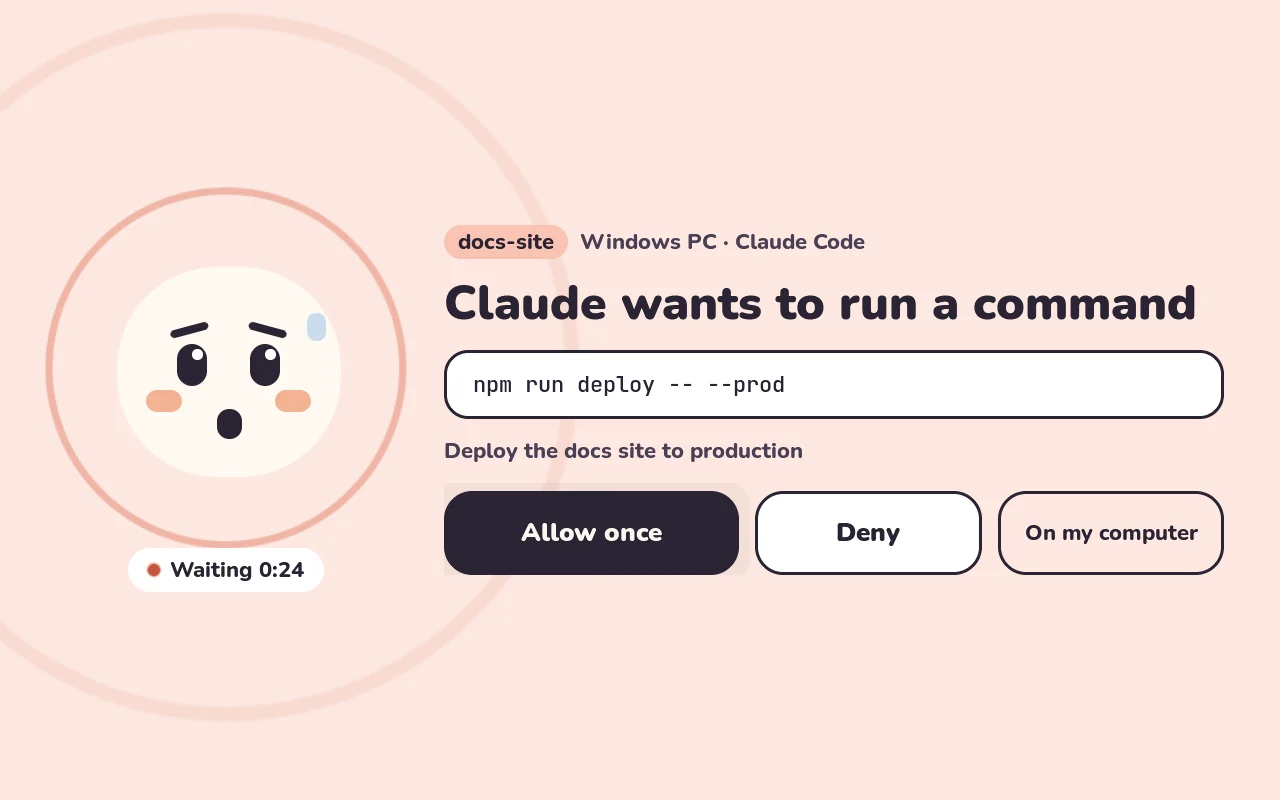
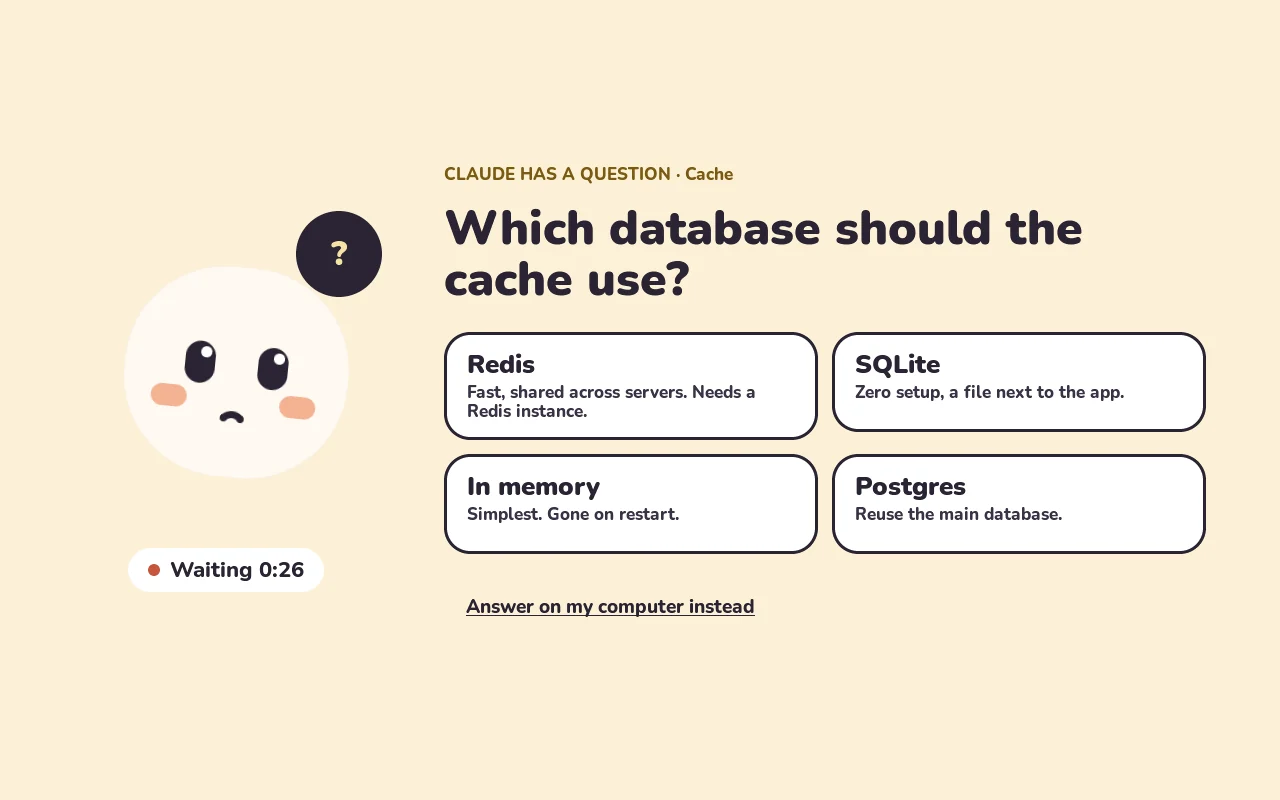
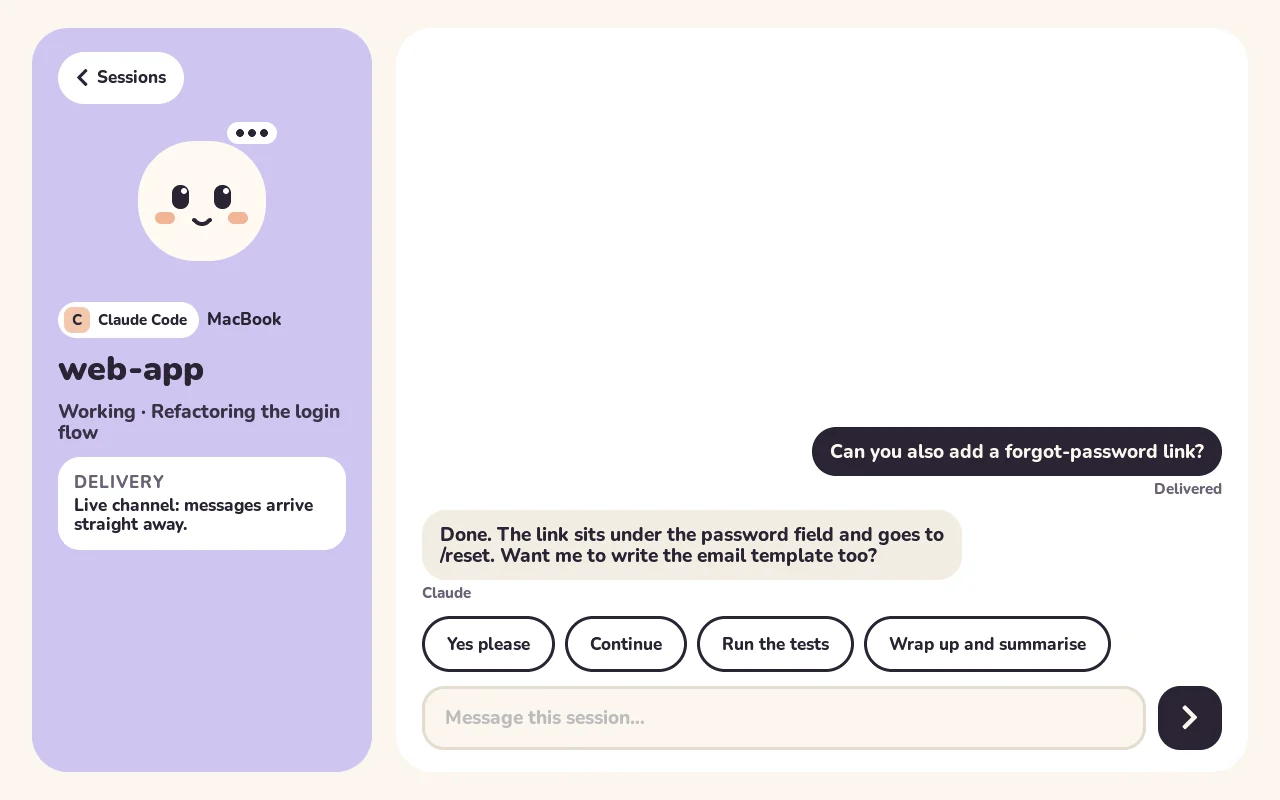
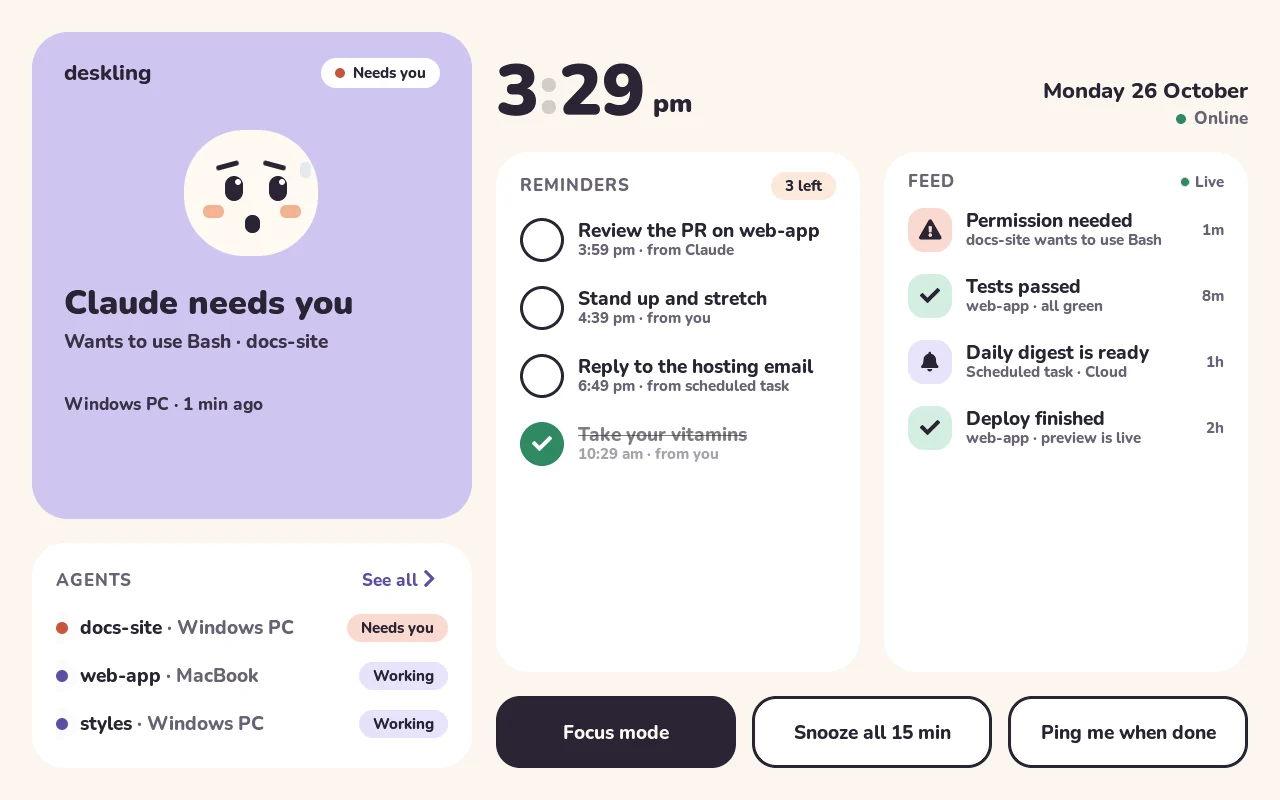
Handle your agents from across the room.
No more checking terminals to see who's stuck. Every session on every machine shows up here, and the ones that need you come first.
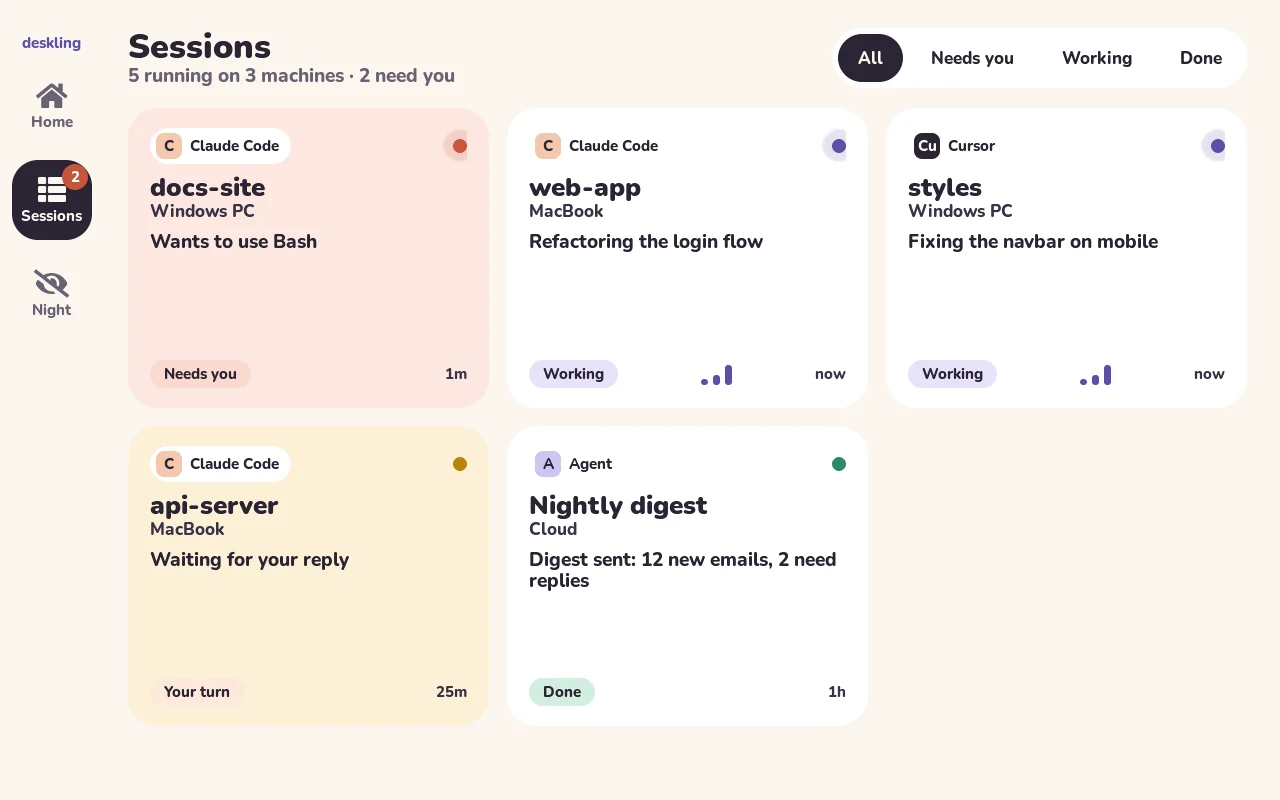
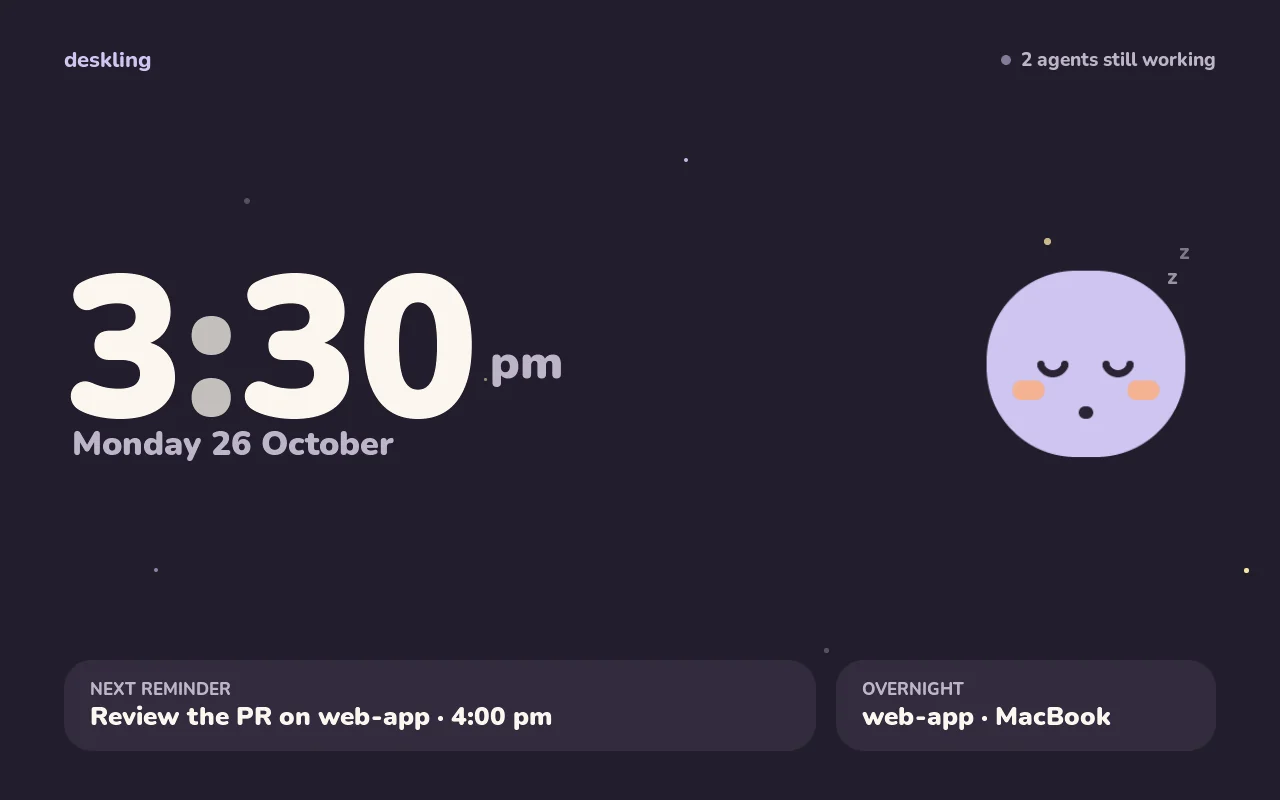
Works with what you already use.
Install one plugin and your sessions start showing up. Anything else can talk to it with a single command.
Claude Code
In the terminal or the desktop app, on Mac and Windows. Permissions, questions, messages, reminders.
/plugin marketplace add moderniselife/deskling
/plugin install deskling@deskling
Cursor
Hooks show what each chat is doing and let you approve shell commands from the screen.
Everything else
Cron jobs, CI, cloud agents: if it can send a web request, it can ping Deskling.
deskling notify "Deploy finished"
deskling remind "Stretch" --in 20m
How it fits together.
Your agents and the screen meet at a tiny relay that you run yourself, for free, on Cloudflare. You don't need to open ports or own a server.
Claude Code and Cursor on any computer, plus scheduled jobs in the cloud.
A Cloudflare Worker on your own account. One click to deploy, and it should fit in the free plan.
Stays connected over Wi-Fi, so taps go back in under a second. It updates itself.
The relay holds session names, short task summaries, reminders and the last few chat lines. Your code never passes through it, and nothing goes to a server run by anyone else.
Make your own.
An evening of setup and a weekend of printing. You plug in a cable once; everything after that happens over Wi-Fi.
Get the screen
Deskling runs on the Guition JC8012P4A1C: a 10.1-inch touchscreen board with an ESP32-P4, Wi-Fi 6 and a little speaker. Search for "JC8012P4A1C".
Deploy your relay
Pick a password, click deploy, and you get your own relay URL with a setup page and a browser preview of Deskling.
Install the firmware
Plug the board into your computer and install from the browser, in Chrome or Edge. It picks the right build for your board.
Say hi
Pick your Wi-Fi on the screen, then open the address it shows and paste your relay details.
Connect your agents
Add the Claude Code plugin on each computer, and the Cursor hooks if you use Cursor.
Print its body
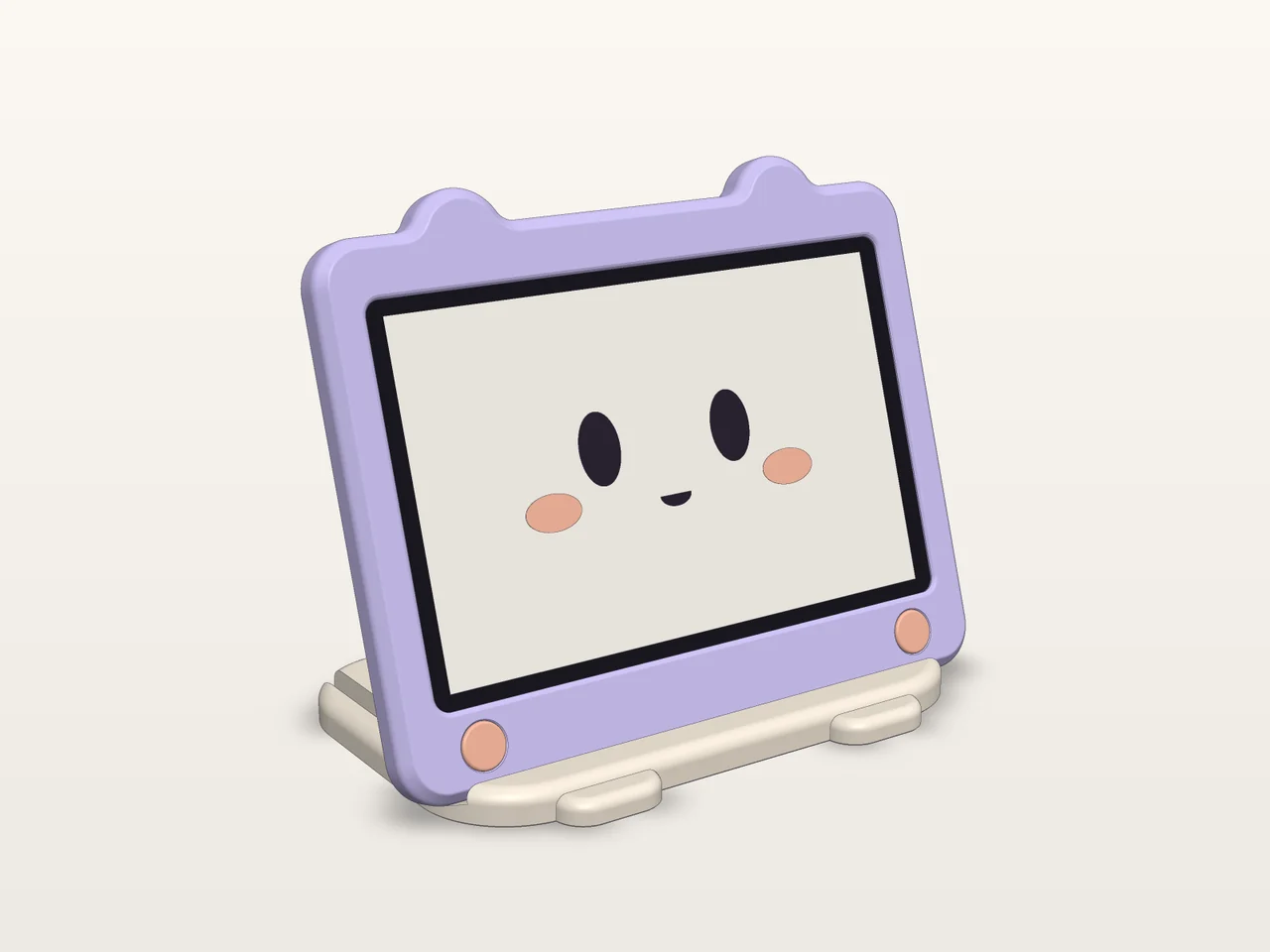
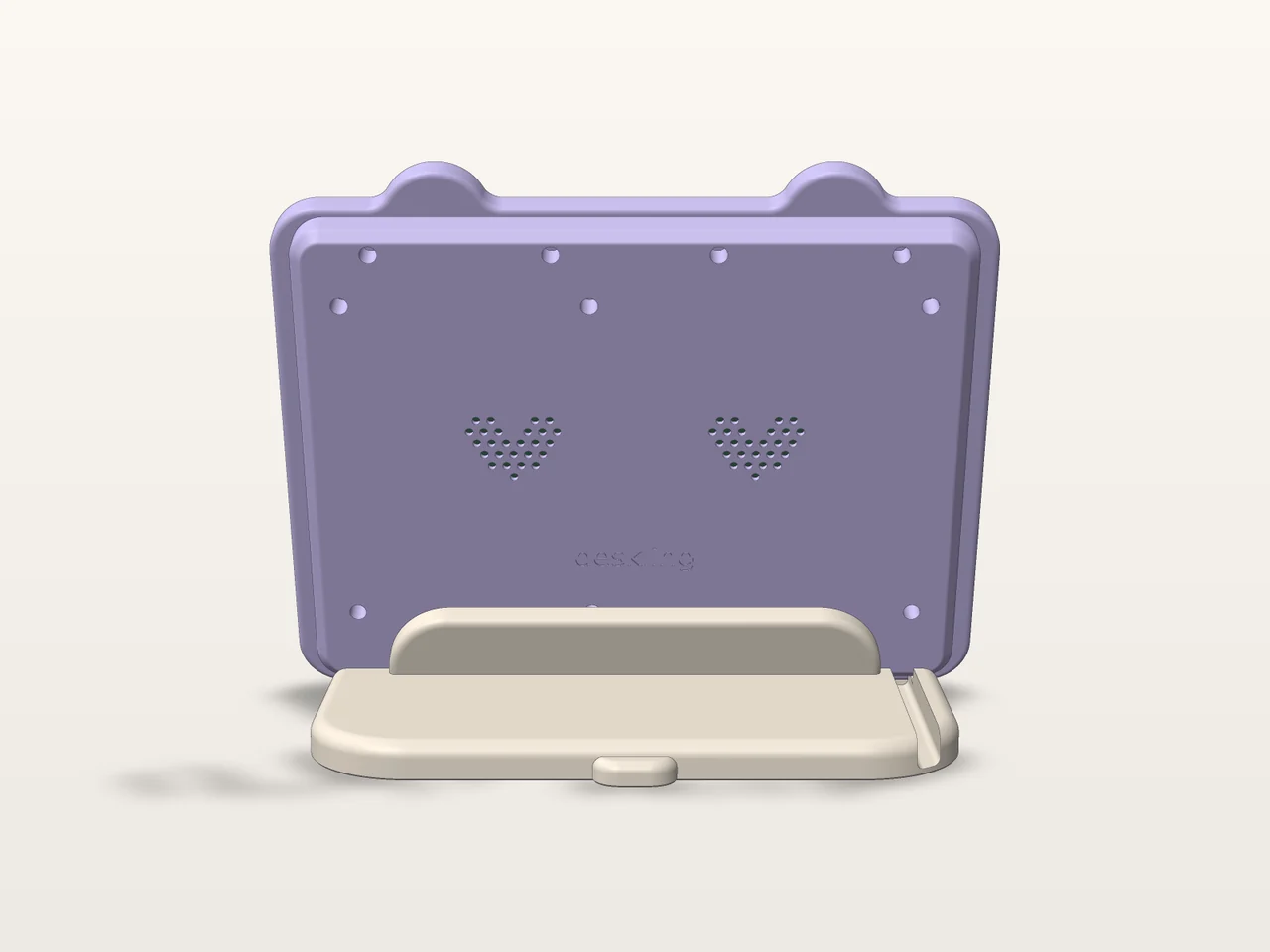
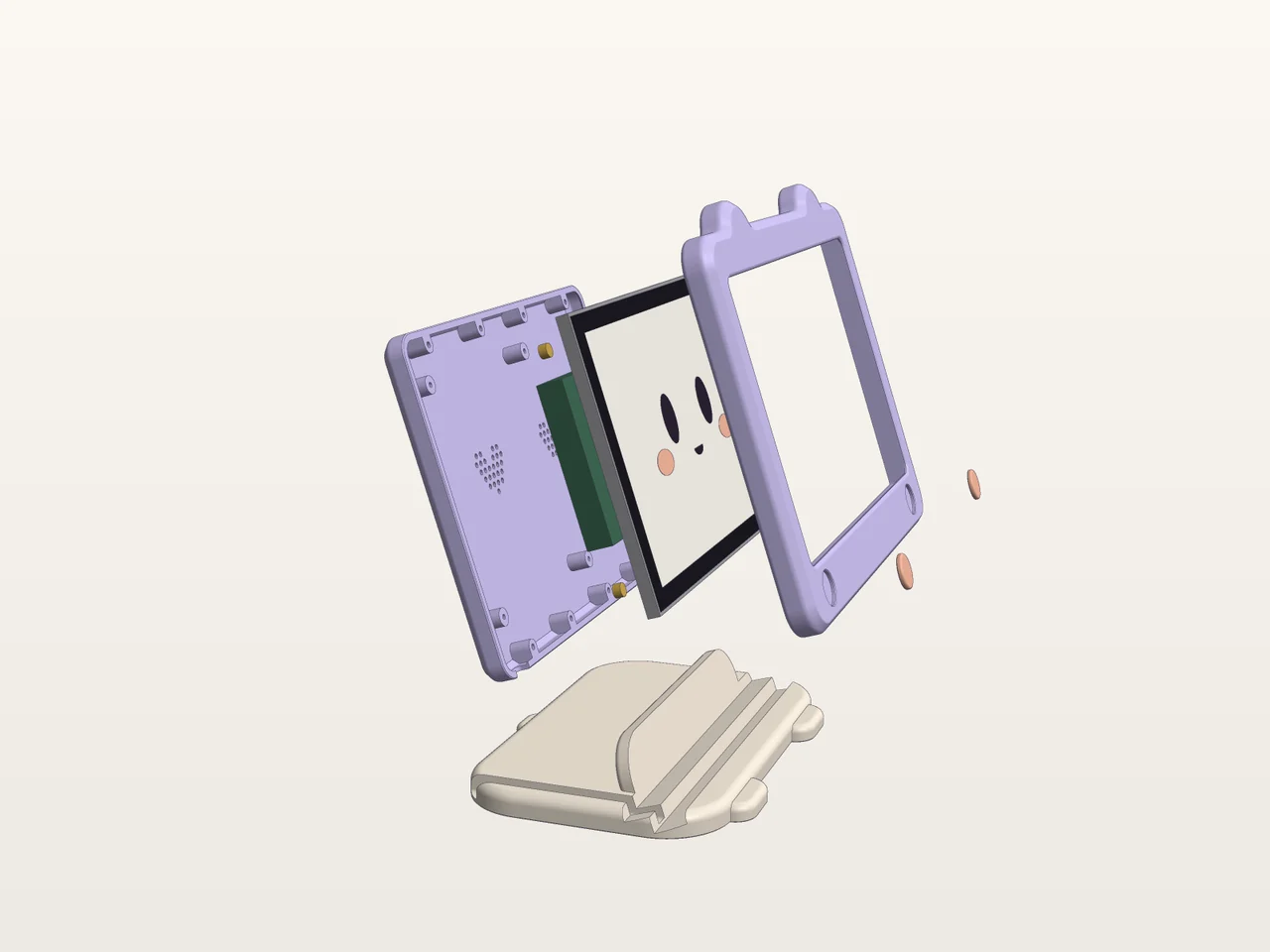
Lilac bezel with ears, peach cheeks, and a cream stand with toes. It prints without supports, and splits in two for 256 mm beds.
Questions.
Do I have to host anything?
Just the relay, and the Deploy button does it for you. It's a small Cloudflare Worker on your own account, and for one person it should fit in the free plan. Firmware updates come from this site.
What if I'm not at my desk?
Nothing changes. If you don't answer on the screen within 30 seconds, Claude asks on your computer as usual. You can change the wait in the plugin settings.
Can it be quiet?
Yes. There's a volume slider, and "Quiet at night" mutes everything between 10pm and 7am except the reminders you asked for.
Does it work with more than one computer?
That's the point. Install the plugin on each one, and every session shows up with the name of the machine it's on.
I don't have a 3D printer.
It works fine without the case, propped up on a little stand. Any print service can make the parts from the STL files in the repo.